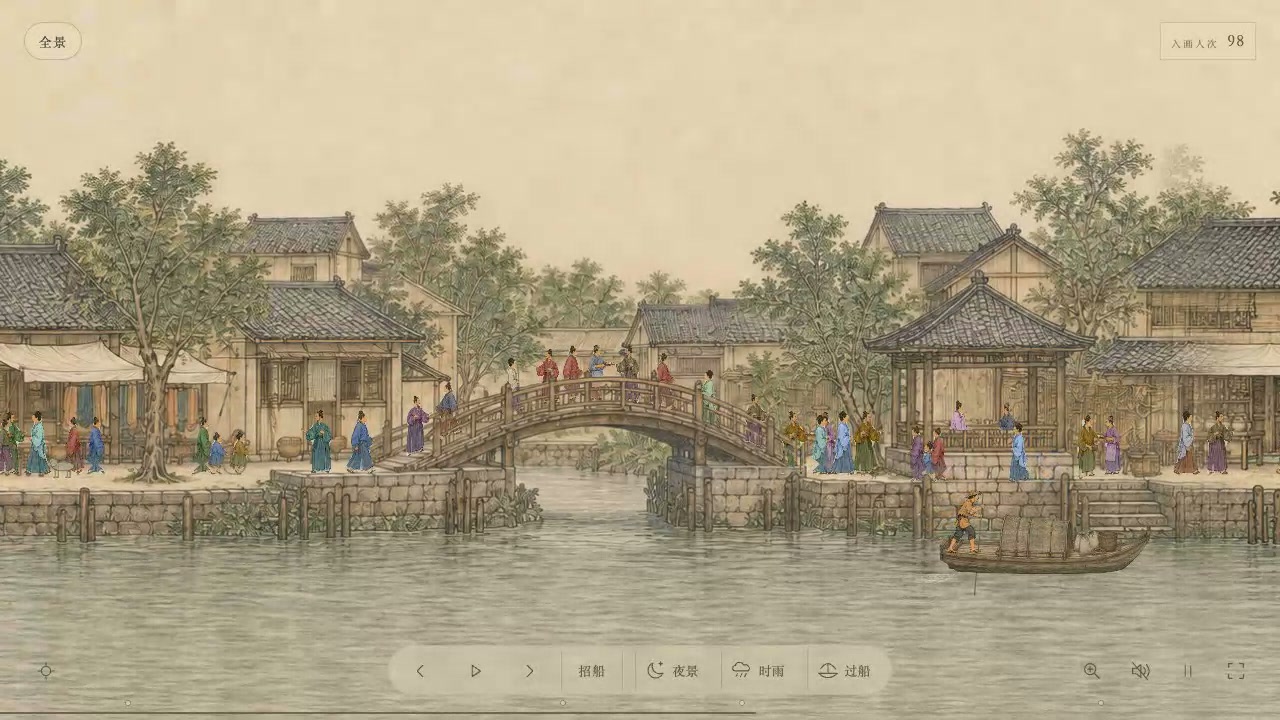
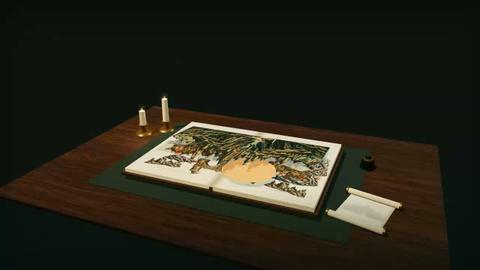
You enter a painted riverside world by choosing 1 of 4 scenes on a scroll. You can walk along the river, call a boat, and change the scene to night or rain.
The wide, parchment-colored view shows tiled roofs, a stone bridge, people on the banks, and a boat on the water. The scene moves while you explore it.
How to explore
- Choose a scene on the scroll to enter it.
- Walk left or right, or use automatic walking.
- Call a boat, ride from the west bank dock, or switch to night or rain.
Controls
| Input | Action |
|---|---|
| Scenes | |
| Click | Choose a painted scene |
| Movement and boat | |
| Click | Walk left or right |
| Click | Start automatic walking |
| Click | Call a boat |
| Click | Board at the west bank dock |
| Click | Return to walking |
| View and sound | |
| Click | Switch to night or rain |
| Click | Zoom in on details |
| Click | Turn on music and ambient sound |
| Click | Pause the animation |
| Click | Enter full screen |
Features
- 4 painted scenes to enter
- A riverside painting with streets, a bridge, people, and boats
- Left, right, and automatic walking
- Boat calling and boarding
- Night and rain options
- Detail zoom, sound, and animation controls



Comments