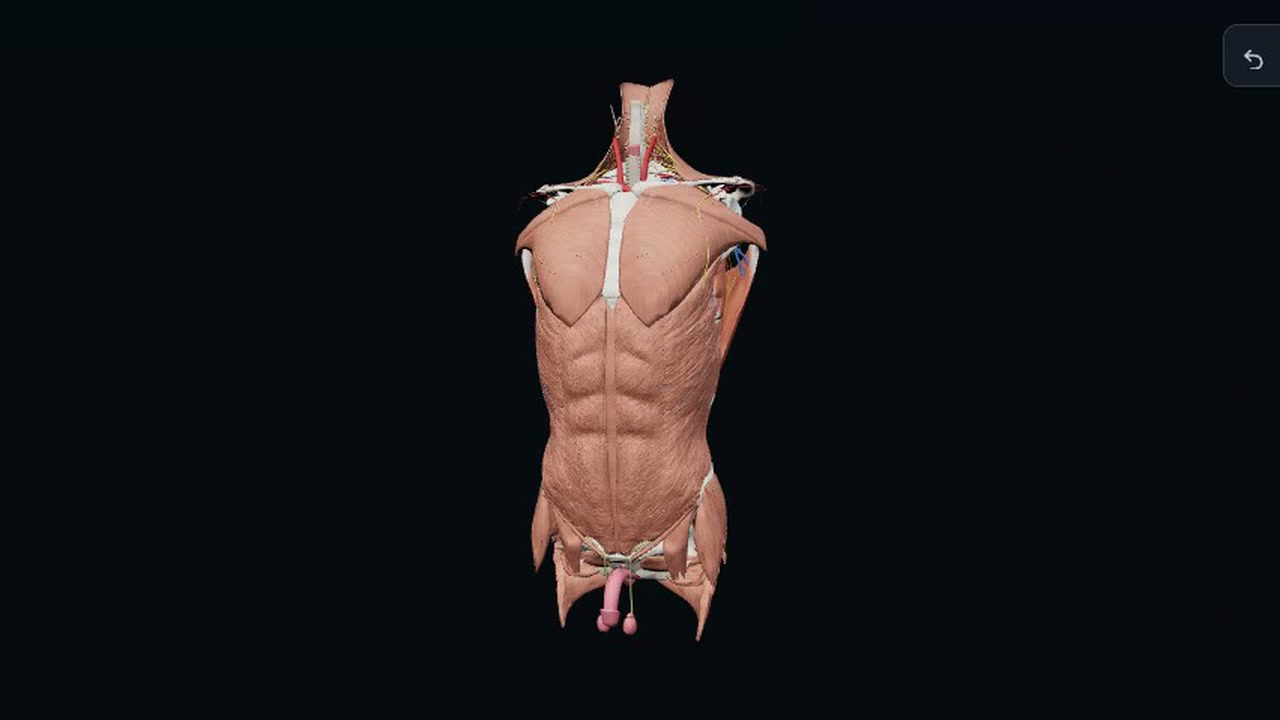
You explore a 3D model of human anatomy. You choose a body region, move from surface tissue toward deeper structures, and select parts to examine them. You can also open section, X-ray, exploded, and study views.
The model sits against a dark background, with skin, muscles, ribs, vessels, and organs appearing at different tissue depths. You can rotate it to inspect a structure from another side or set a camera view for study.
How to use it
- Choose whether genital anatomy is visible, then select Continue.
- Choose a region or use the whole-body view.
- Drag to rotate, scroll to zoom, and select anatomy to explore it.
- Adjust tissue depth or open another viewing tab to examine different structures.
Controls
| Input | Action |
|---|---|
| Model | |
| Drag | Rotate the model |
| Scroll | Zoom |
| Click | Select anatomy to explore |
| + | Increase tissue depth |
| − | Decrease tissue depth |
| Camera and view | |
| Front/Back/Right/Left/Above | Set the camera direction |
| Fit | Fit the model in view |
| Reset body | Reset the body view |
| Undo | Undo a change |
| Redo | Redo a change |
Features
- Whole body and regional anatomy views
- Tissue layers from skin to bones and cartilage
- Sections, X-ray, Explode, and Study tabs
- Camera presets for 6 directions
- Option to show or hide genital anatomy
- Shareable views






Comments