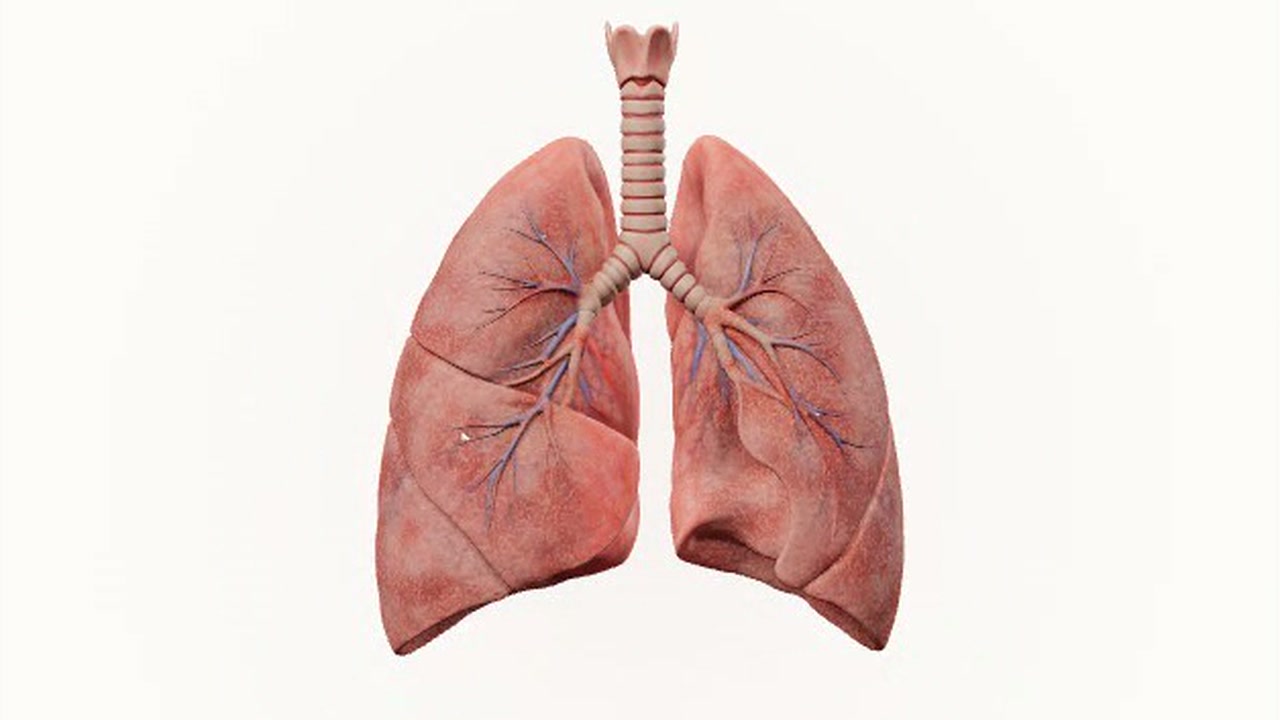
You set your smoking status, cigarettes per day, and years smoked to explore an educational model of the lungs. You can view a pack-year summary, turn the 3D lungs, and look at possible tissue changes and quitting benefits.
The lungs appear as a pink anatomical illustration against a white background. You can switch between whole lungs, airways, alveoli, cilia, and recovery views. The page says the changes are stylized teaching examples, not measurements of your body or a diagnosis.
How to use it
- Select whether you have never smoked, used to smoke, or currently smoke.
- Set cigarettes per day and years smoked to see the exposure summary.
- Explore the lung views and turn or zoom the model.
- Open the quitting and science sections to read what the illustrations represent.
Controls
| Input | Action |
|---|---|
| Smoking profile | |
| Click | Select a smoking status or lung view |
| Drag | Adjust smoking inputs |
| 3D model | |
| Drag | Rotate the model |
| Scrollorpinch | Zoom the model |
| Click | Use Rotate, Zoom in, or Reset |
Features
- Interactive 3D lung illustration
- Smoking inputs and pack-year summary
- Whole lungs, airways, alveoli, cilia, and recovery views
- Stylized tissue-change examples
- Quitting benefits and links to health sources
- Educational visualization, not a medical diagnosis









Comments