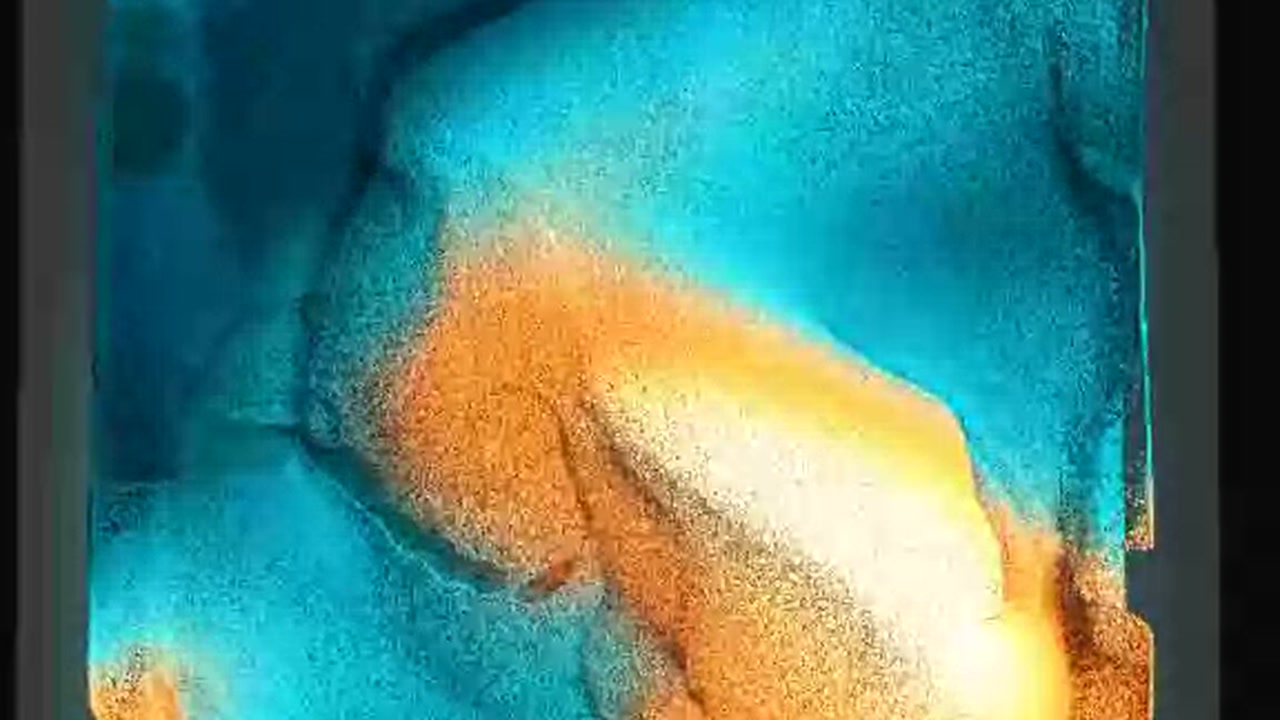
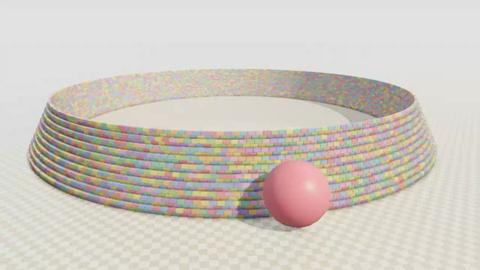
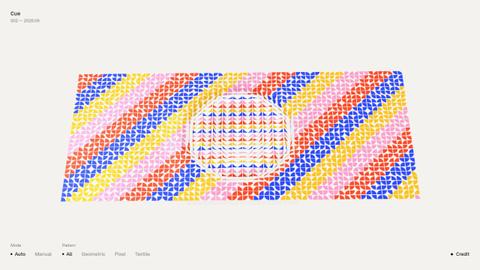
You watch a live pigment simulation made of coloured grains. You can drag across the artwork to move them, or upload a local video to turn it into grains.
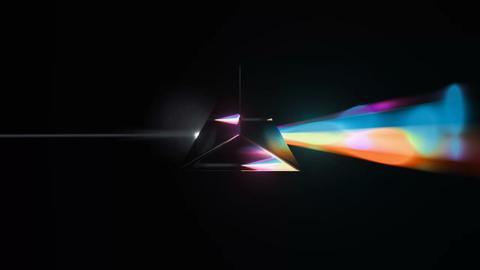
The artwork shifts between turquoise, orange and bright yellow currents. You can adjust its motion in the inspector or start a presentation that moves the camera through the artwork.
How to explore
- View the artwork and drag across it to stir the grains.
- Upload a video if you want to use your own source.
- Adjust the controls, pause the simulation or restart it.
- Start a presentation to let the camera move through the artwork, then press Esc to return.
Controls
| Input | Action |
|---|---|
| Artwork | |
| Drag | Stir the grains where you drag |
| Click | Use View artwork to open the artwork view |
| Click | Use Pause simulation or Restart simulation |
| Click | Use UPLOAD VIDEO to choose a local video |
| Presentation | |
| Click | Use Start presentation to begin camera movement |
| P | Toggle the presentation |
| Esc | End the presentation and restore the camera |
| Studio | |
| Click | Use New seed to change the artwork seed |
| Click | Use Reset all controls to restore the controls |
Features
- Live simulation of coloured grains
- Built-in color study and local video upload
- Drag-responsive currents
- Inspector controls for motion, colour and layers
- Presentation with automatic camera movement


Comments