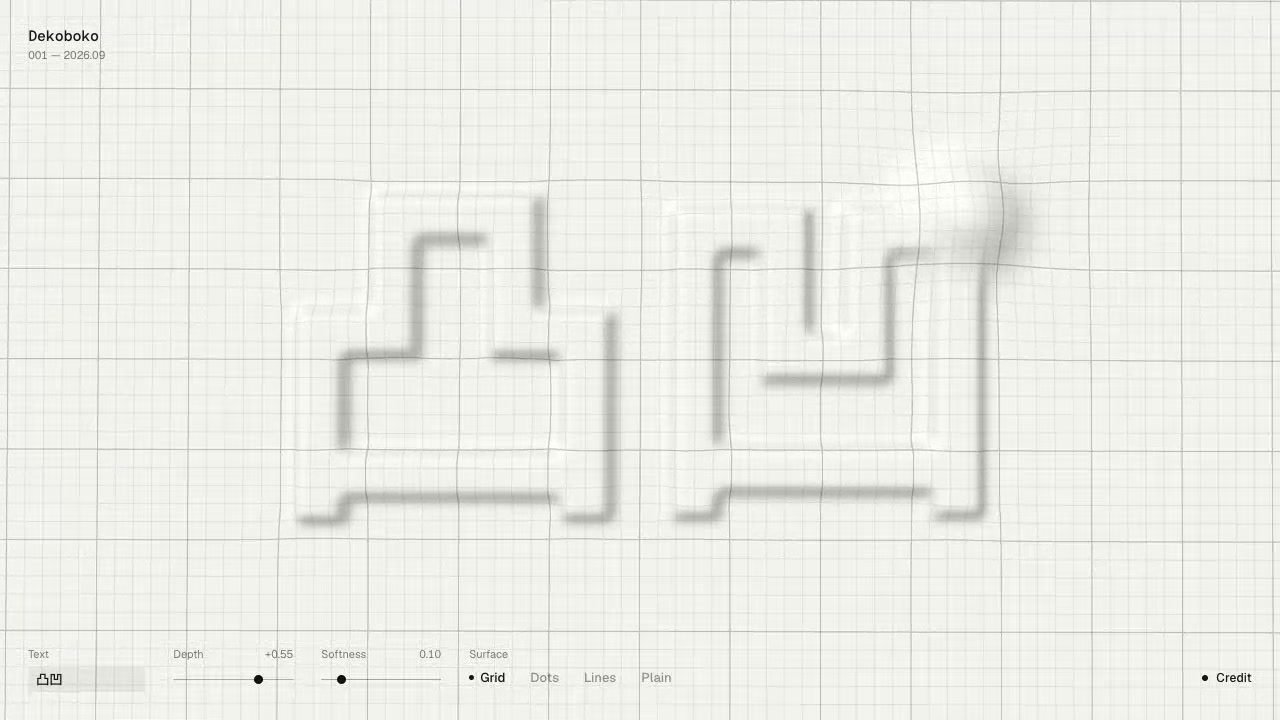
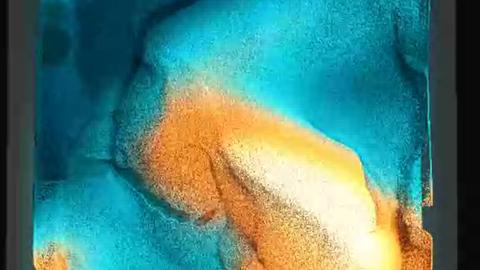
You move the mouse across a surface laid over hidden shapes. The bumps shift, and you can change the text underneath.
A pale grid bends around the raised areas, while soft, dark letterforms show through below. You can switch between Paper and Cloth and change how the surface is drawn.
How to explore
- Move the mouse over the surface to push the bumps around.
- Edit the Text field to change the text underneath.
- Adjust Depth and Softness, or choose a material and surface style to change the look.
Controls
| Input | Action |
|---|---|
| Surface | |
| Mouse | Move bumps around the surface |
| Settings | |
| Click | Edit Text or choose Paper, Cloth, Grid, Dots, Lines, or Plain |
| Drag | Adjust Depth or Softness |
Features
- Text beneath a deforming surface
- Depth and Softness controls
- Paper and Cloth materials
- Grid, Dots, Lines, and Plain surface styles






Comments